C vs C++ vs Python vs Rust 🔥
Comparison of a linear algebra equation in C23, C++23, Rust, and Python.

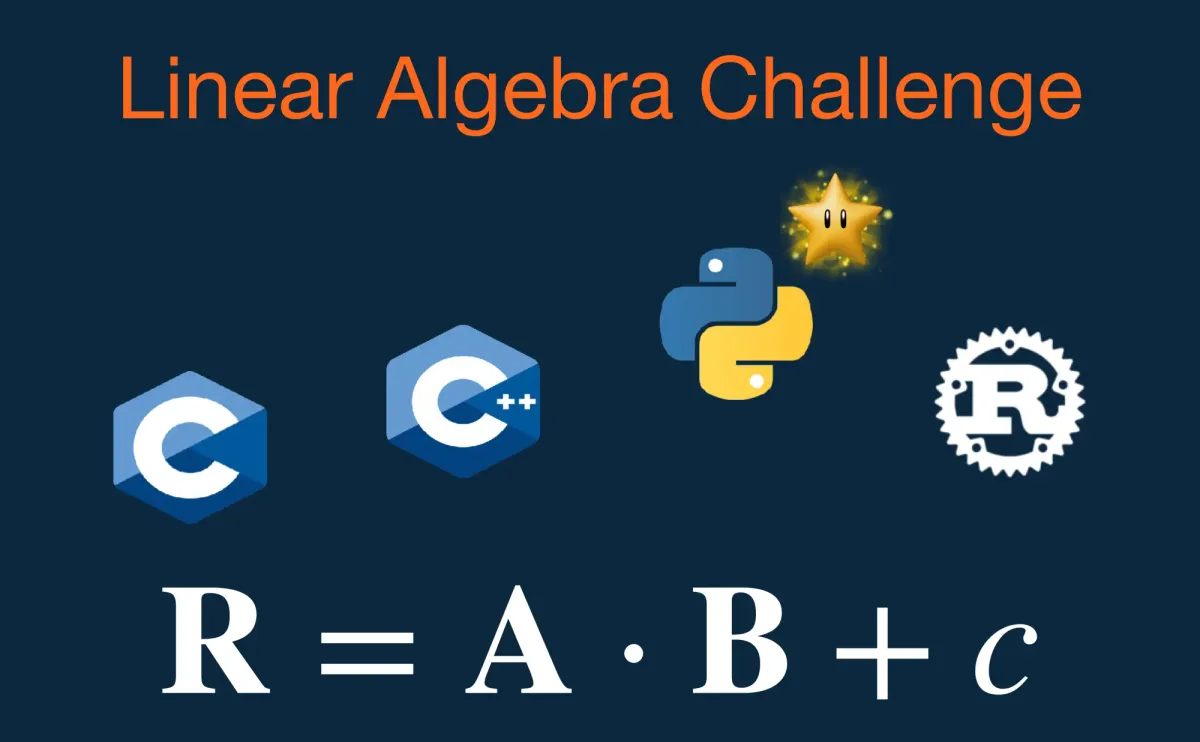
Today, I had fun implementing a core linear algebra equation in C, C++, Rust, and Python.
The goal was to highlight the differences in syntax, performance, and developer experience when working with arrays and matrices.
Python: Fast to write and elegant, but 10× slower than the others, even when compiled. Perfect for prototyping and testing concepts.
C: You are the framework and only your own limitations hold you back. Either you know linear algebra, or you'll need to master CBLAS to use the power of LAPACK and BLAS.
C++: You can write code as elegant as Python, but the complexity is immense. It feels like learning German. Thankfully, mes chers compatriotes French created Eigen, making linear algebra much more manageable.
Rust: Not too different from C++, and it feels like practicing Polish to speak with my friends. Fortunately, we have nalgebra, which makes it feel like coding in Python, but much faster.
Linear Algebra Example
The idea is to implement the fundamental linear algebra equation R = A * B + c across four major languages: C23, C++23, Rust, and Python.
Python
The Python implementation showcases the high-level syntax made possible by the NumPy library, which handles the complex matrix arithmetic and broadcasting.
# Python Linear Algebra Example: R = A * B + c
import numpy as np

A = np.array([
    [1.0, 2.0],
    [3.0, 4.0]
])

B = np.array([
    [5.0, 6.0, 7.0, 8.0],
    [9.0, 10.0, 11.0, 12.0]
])

c = 5.0

R = A @ B + c

print("R = A * B + c:")
print(R)
C23
The C version uses modern C23 with Variable Length Arrays (VLA) in function signatures for simple, non-heap-allocated matrices.
// C23 Linear Algebra Example: R = A * B + c
#include <stdio.h>

void matrix_multiply_plus_scalar(
    size_t m, size_t k, size_t n,
    const double A[m][k],
    const double B[k][n],
    double R[m][n],
    double scalar
) {
    for (size_t i = 0; i < m; ++i) {
        for (size_t j = 0; j < n; ++j) {
            for (size_t k_idx = 0; k_idx < k; ++k_idx) {
                R[i][j] += A[i][k_idx] * B[k_idx][j];
            }

            R[i][j] += scalar;
        }
    }
}

void print_matrix(
    size_t m, size_t n, const double matrix[m][n]
) {
    for (size_t i = 0; i < m; ++i) {
        for (size_t j = 0; j < n; ++j) {
            printf("%.2f\t", matrix[i][j]);
        }

        printf("\n");
    }
}

int main(void) {
    constexpr size_t M_DIM = 2;
    constexpr size_t K_DIM = 2;
    constexpr size_t N_DIM = 4;

    const double A[M_DIM][K_DIM] = {
        {1.0, 2.0},
        {3.0, 4.0}
    };

    const double B[K_DIM][N_DIM] = {
        {5.0, 6.0, 7.0, 8.0},
        {9.0, 10.0, 11.0, 12.0}
    };

    const double c = 5.0;

    double R[M_DIM][N_DIM] = {};

    // R = A * B + c
    matrix_multiply_plus_scalar(
        M_DIM, K_DIM, N_DIM, A, B, R, c
    );

    printf("R = A * B + c:\n");
    print_matrix(M_DIM, N_DIM, R);

    return 0;
}
C++23
The C++ example uses C++23 features like multidimensional subscripting and explicit this parameter to achieve NumPy-like operator syntax A * B + c using std::array for fixed-size performance.
// C++23 Linear Algebra Example: R = A * B + c
#include <array>
#include <iostream>
#include <iomanip>

template<size_t Rows, size_t Cols>
class Matrix {
public:
    std::array<std::array<double, Cols>, Rows> data{};

    constexpr double& operator()(size_t i, size_t j)
    noexcept {
        return data[i][j];
    }
    constexpr const double& operator()(size_t i, size_t j)
    const noexcept {
        return data[i][j];
    }
};

// Matrix multiplication
template<size_t M, size_t K, size_t N>
constexpr auto operator*(
    const Matrix<M, K>& A, const Matrix<K, N>& B
) {
    Matrix<M, N> R{};
    for (size_t i = 0; i < M; ++i)
        for (size_t j = 0; j < N; ++j)
            for (size_t k = 0; k < K; ++k)
                R(i, j) += A(i, k) * B(k, j);

    return R;
}

// Scalar addition
template<size_t Rows, size_t Cols>
constexpr auto operator+(
    const Matrix<Rows, Cols>& matrix, double val
) {
    auto result = matrix;
    for (size_t i = 0; i < Rows; ++i)
        for (size_t j = 0; j < Cols; ++j)
            result(i, j) += val;

    return result;
}

// Print matrix
template<size_t Rows, size_t Cols>
std::ostream& operator<<(
    std::ostream& os, const Matrix<Rows, Cols>& matrix
) {
    for (size_t i = 0; i < Rows; ++i) {
        for (size_t j = 0; j < Cols; ++j) {
            os << std::fixed
               << std::setprecision(2)
               << matrix(i, j)
               << "\t";
        }

        os << '\n';
    }
    return os;
}

int main() {
    constexpr std::size_t M_DIM = 2;
    constexpr std::size_t K_DIM = 2;
    constexpr std::size_t N_DIM = 4;

    constexpr Matrix<M_DIM, K_DIM> A{{
        std::array{1.0, 2.0},
        std::array{3.0, 4.0}
    }};

    constexpr Matrix<K_DIM, N_DIM> B{{
        std::array{5.0, 6.0, 7.0, 8.0},
        std::array{9.0, 10.0, 11.0, 12.0}
    }};

    constexpr double c = 5.0;

    constexpr auto R = A * B + c;

    std::cout << "R = A * B + c:\n" << R;
}
C++23 with Eigen
For those interested in how the C++ code scales to professional, high-performance libraries, a placeholder is included for the Eigen library (a C++ header-only matrix template library).
// C++23 Eigen Linear Algebra Example: R = A * B + c
#include <iostream>
#include <iomanip>
#include <Eigen/Dense>

int main() {
    constexpr std::size_t M_DIM = 2;
    constexpr std::size_t K_DIM = 2;
    constexpr std::size_t N_DIM = 4;

    Eigen::Matrix<double, M_DIM, K_DIM> A;
    A << 1.0, 2.0,
         3.0, 4.0;

    Eigen::Matrix<double, K_DIM, N_DIM> B;
    B << 5.0, 6.0, 7.0, 8.0,
         9.0, 10.0, 11.0, 12.0;

    const double c = 5.0;

    // R = A * B + c
    Eigen::Matrix<double, M_DIM, N_DIM> R = A * B \
    + Eigen::Matrix<double, M_DIM, N_DIM>::Constant(c);

    std::cout << "R = A * B + c:\n"
        << std::fixed
        << std::setprecision(2)
        << R << '\n';
}
Rust
Simple, high-performance solution using only Rust arrays and manual nested loops.
// Rust Linear Algebra Example: R = A * B + c
use std::fmt;
use std::ops::{Add, Mul};

#[derive(Debug, Clone, Copy)]
struct Matrix<const R: usize, const C: usize> {
    data: [[f64; C]; R],
}

impl<const M: usize, const K: usize, const N: usize>
Mul<Matrix<K, N>> for Matrix<M, K> {
    type Output = Matrix<M, N>;

    fn mul(self, rhs: Matrix<K, N>) -> Self::Output {
        let mut result = [[0.0; N]; M];
        for i in 0..M {
            for j in 0..N {
                result[i][j] = (0..K).map(
                    |k| self.data[i][k] * rhs.data[k][j]
                ).sum();
            }
        }
        Matrix { data: result }
    }
}

impl<const R: usize, const C: usize>
Add<f64> for Matrix<R, C> {
    type Output = Matrix<R, C>;

    fn add(self, scalar: f64) -> Self::Output {
        let mut result = self.data;
        for i in 0..R {
            for j in 0..C {
                result[i][j] += scalar;
            }
        }
        Matrix { data: result }
    }
}

impl<const R: usize, const C: usize>
fmt::Display for Matrix<R, C> {
    fn fmt(&self, f: &mut fmt::Formatter<'_>) -> fmt::Result {
        for row in &self.data {
            for val in row {
                write!(f, "{:<8.2}\t", val)?;
            }
            writeln!(f)?;
        }
        Ok(())
    }
}

fn main() {
    let a = Matrix {data: [[1.0, 2.0], [3.0, 4.0]],};

    let b = Matrix {
        data: [
            [5.0, 6.0, 7.0, 8.0],
            [9.0, 10.0, 11.0, 12.0],
        ],
    };

    let c = 5.0;

    let r = a * b + c;

    println!("R = A * B + c:\n{r}");
}
Rust with nalgebra
Uses the industry-standard nalgebra library for clean, type-safe operator overloading.
// Rust Linear Algebra Example: R = A * B + c
use nalgebra::{Matrix2, Matrix2x4};

fn main() {
    let a = Matrix2::new(
        1.0, 2.0,
        3.0, 4.0,
    );

    let b = Matrix2x4::new(
        5.0, 6.0, 7.0, 8.0,
        9.0, 10.0, 11.0, 12.0,
    );

    let c: f64 = 5.0;

    let r: Matrix2x4<f64> = a * b + Matrix2x4::repeat(c);

    println!("R = A * B + c:\n{r}");
}
Learn more
If you're curious about how modern language features impact scientific computing or are just a fan of clean code and linear algebra, check out my GitHub repo:
🕹️ github.com/MarcosBorgesPhD/linear_algebra_example
If you enjoyed this post, the best compliment you can give is to share it with friends who would enjoy it as well.
I'd love to hear your thoughts on which implementation you find the most elegant.