
Mac Dev Setup
This article helps you set up a clean and efficient development environment on macOS.
Over the years, I’ve experimented with countless tools and configurations. This guide reflects the balance I’ve found between power and simplicity.
Command Line Tools
Section titled “Command Line Tools”
The Command Line Tools package provides essential utilities for building and debugging software from the command line on macOS, including the Apple LLVM compiler, linker, and Make.
-
To install the Command Line Tools, open Terminal and run:
Terminal window xcode-select --install -
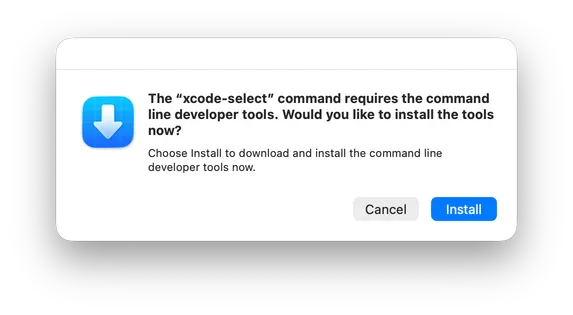
When prompted, click Install and agree to the Terms of Service:
Homebrew
Section titled “Homebrew”
Homebrew is a package manager for macOS that simplifies installing libraries and tools.
Install Homebrew by running the following command:
bash -c "$(curl -fsSL https://raw.githubusercontent.com/Homebrew/install/HEAD/install.sh)"Git Setup
Section titled “Git Setup”
Git is a distributed version control system that software engineers use to track changes, collaborate on code, and manage software projects.
-
Set Git username and email:
Terminal window git config --global user.name "Your Name"git config --global user.email "your@email.com" -
Check Git configuration:
Terminal window git config --global --list